Table of Contents
Web Accessibility for Everyone
 and Teodora Chiosa
March 23rd 2026
and Teodora Chiosa
March 23rd 2026
About the speakers:
Teodora Chiosa
- Web Accessibility Specialist Web Accessibility Specialist, certified by the International Association of Accessibility Professionals (IAAP)
- Web Programmer, with experience in building interface components for websites
- About 6 years of experience with Web Accessibility
About the speakers:
Constantin Cristache
- Teacher at "Iris" Special Theoretical Highschool from Timișoara, Romania
- Trainer at CED Romania
- Web & digital accessibility tester
- Blind assistive technology user
What is Accessibility?
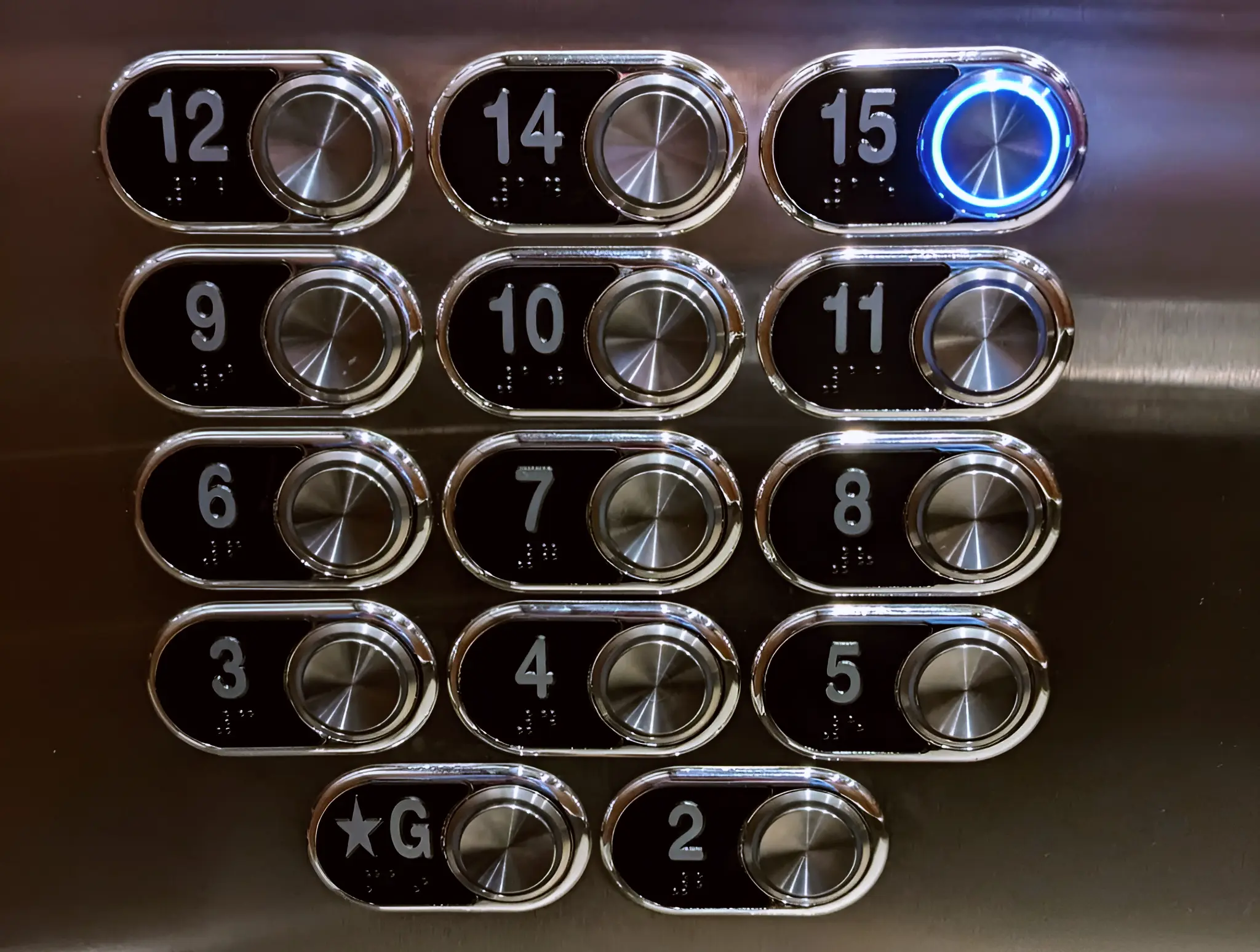
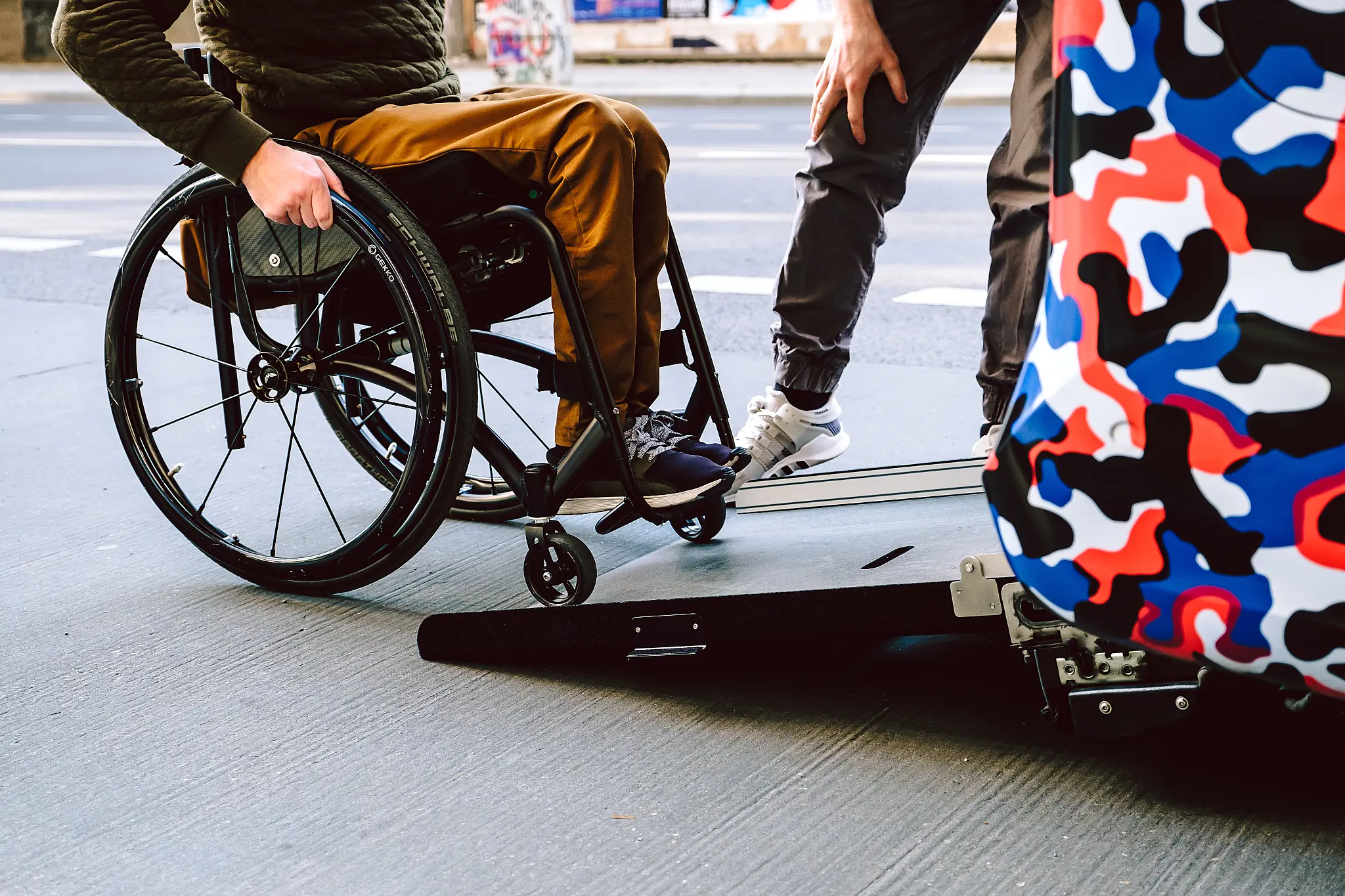
The design of products, devices, services, vehicles, or environments to be usable by people with disabilities.
Types of disabilities
- Persons with color blindness, visual impairments (glaucoma, cataracts) or blindness
- Persons with hearing impairments or deafness
- Persons with arthritis, Parkinson's or paralysis
- Persons with ADHD, dyslexia, autism or intelectual disability
Some people have multiple disabilities.
Some disabilities are invisible.
What is Web Accessibility?
- The design and implementation of websites (as well as PDF documents) so that they can be accessed and used by people with disabilities.
- These websites must work well when used from a personal computer and from a mobile device.
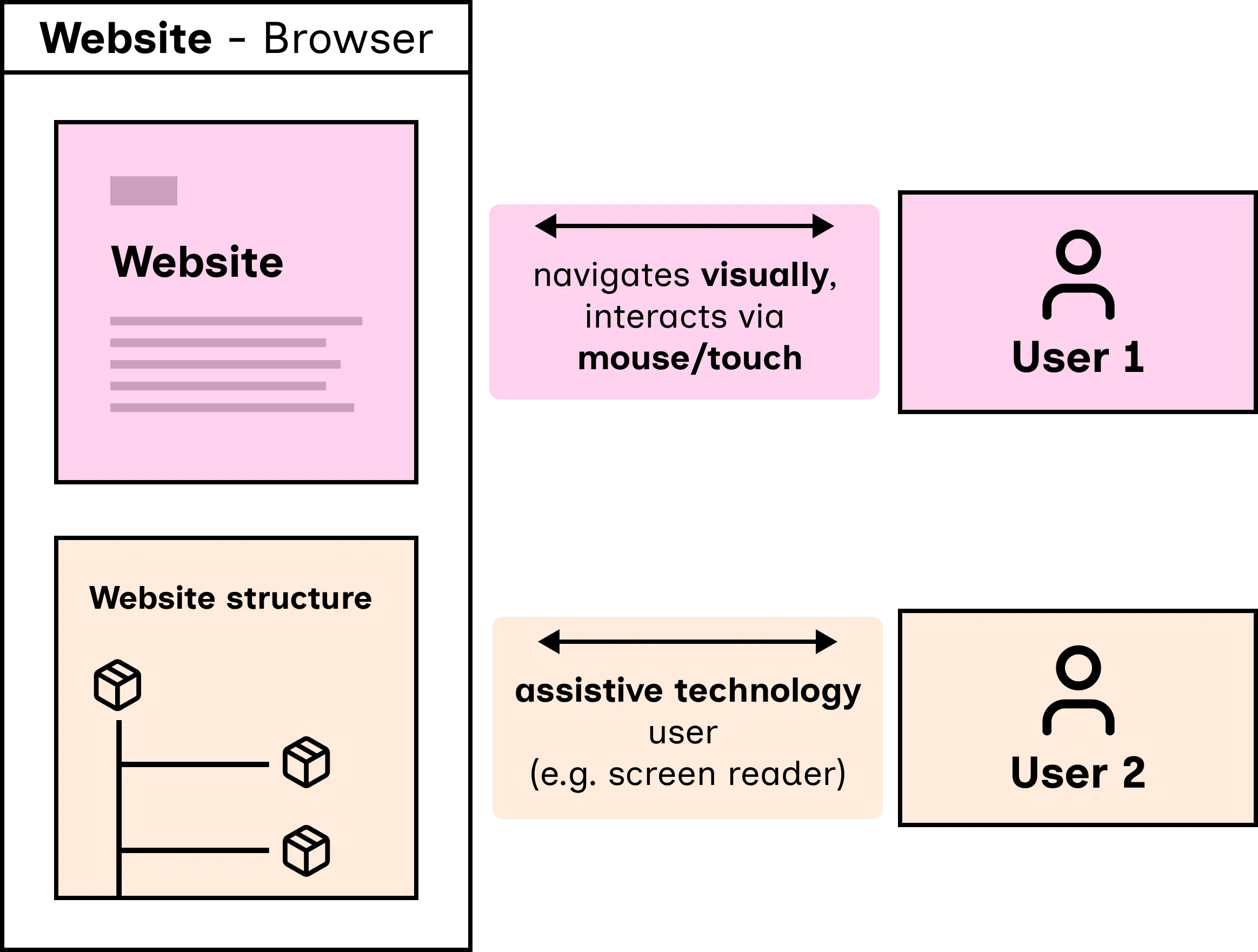
What does a website look like "behind the scenes"?
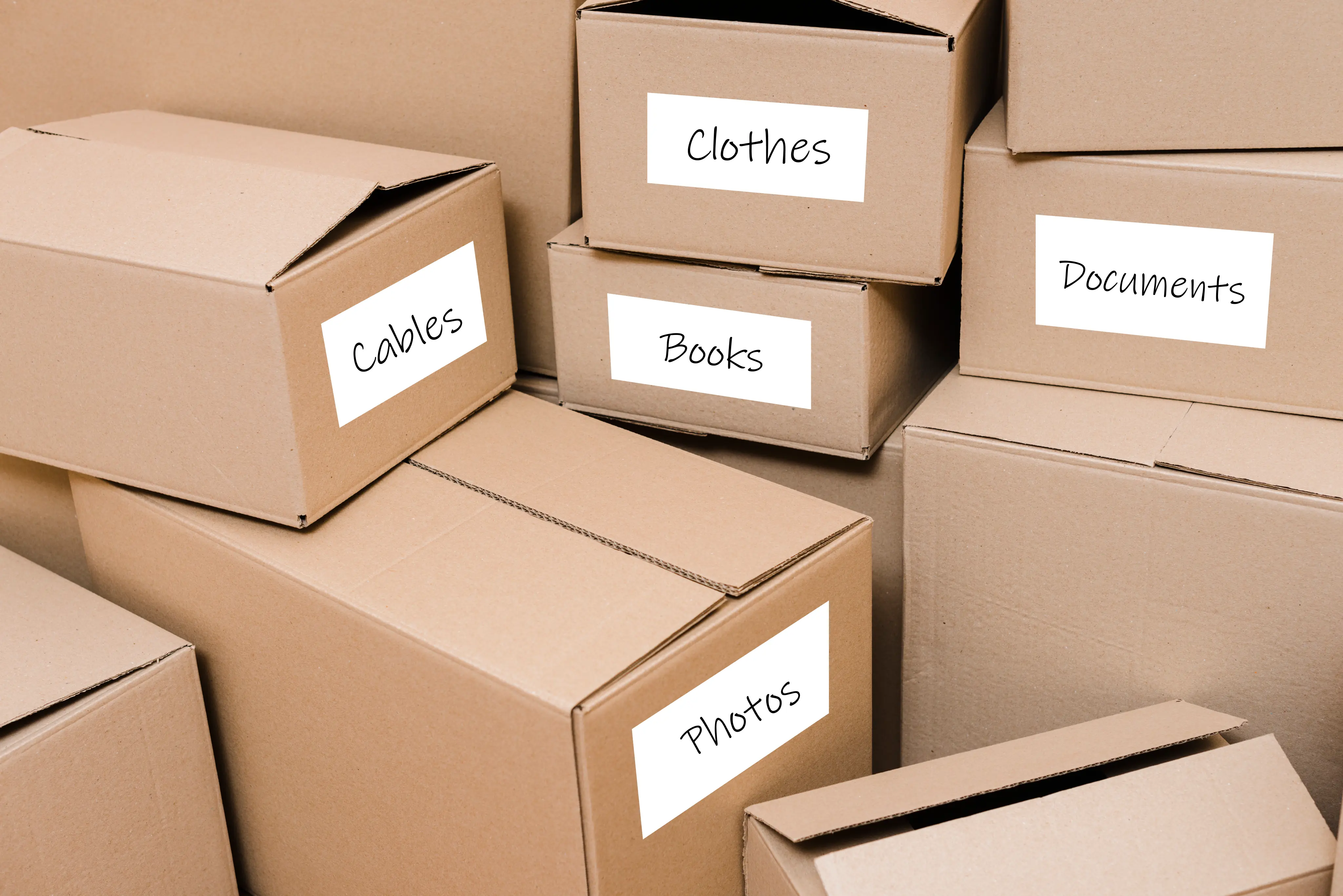
We could imagine a website's structure as a box with various other boxes inside.

How does a person with disabilities use a website?
What is assistive technology?
Assistive technology includes software or hardware which helps persons with disabilities have a better experience when interacting with the digital world.
Examples:
- Screen readers - transform text to speech
- Magnifier - makes displayed content larger and more zoomed in
- Speech recognition - transforms vocal commands into interactions
Example: an accessible button
Best case scenario, the "boxes" have labels.
A sighted user sees the "box" contents directly:
Screen reader users hear the label of the "box".
Spoken screen reader output: Remove button.
Example: an inaccessible button
Sometimes, the "boxes":
- don't have labels
- have the wrong labels
Spoken screen reader output: button. What's its purpose?
The right code and the right structure are essential for accessibility!
Why is web accessibility important?
Every person has the right to autonomy.
A person with disabilities should not encounter barriers when:
- looking up information
- enjoying a movie
- shopping online
- buying museum tickets
- using their banking app
- etc.
What does the law say?
There two main laws relevant for the digital world (in Europe):
- EU Directive 2016/2102 - website and mobile application accessibility for the public sector
- Came into effect between 2019 and 2021
- Only applies to government services
- EU Directive 2019/882 - accessability requirements for products and services
- Also known as the European Accessibility Act
- Came into effect in 2025 and covers:
- PCs, smartphones and operating systems
- ATMs, self-pay terminals
- audio-visual communication (TV)
- the 112 emergency number
- transport services
- banking services
- e-commerce (shopping) websites
- e-books
The accessibility guidelines
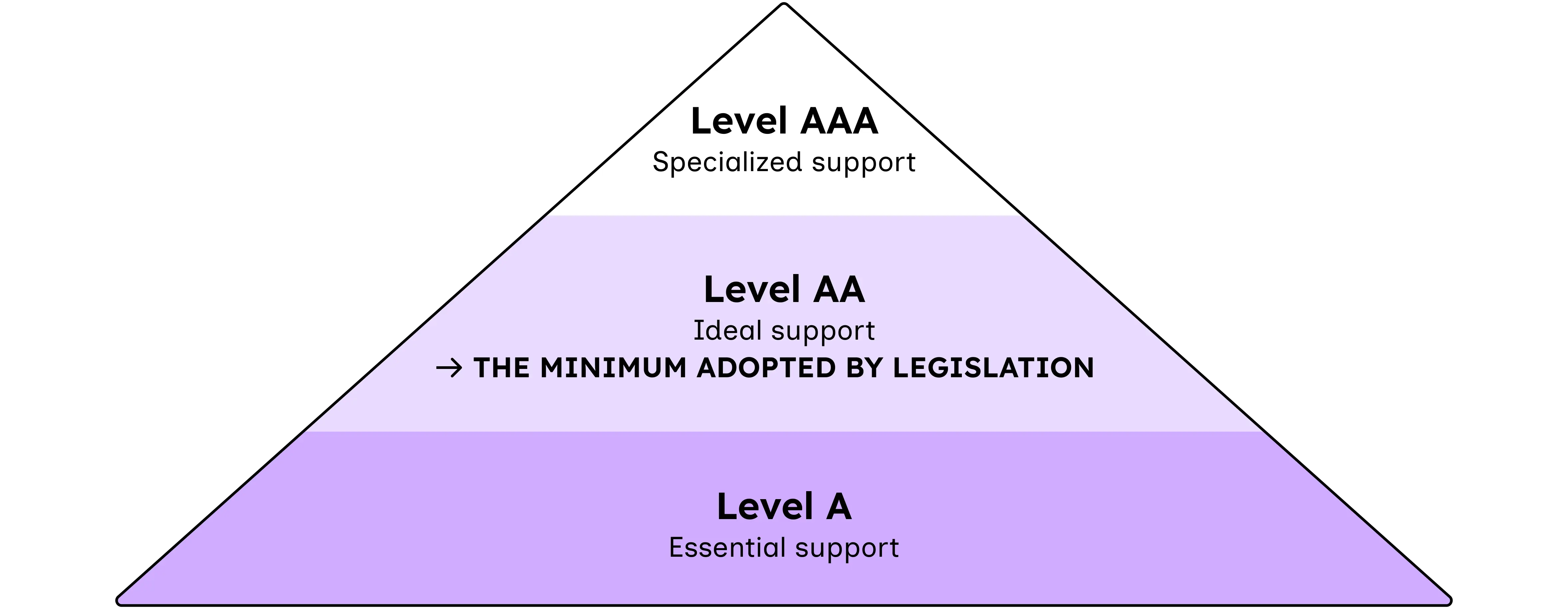
The laws require that websites apply the minimum requirements of the Web Content Accessibility Guidelines (WCAG).
Website content must be:
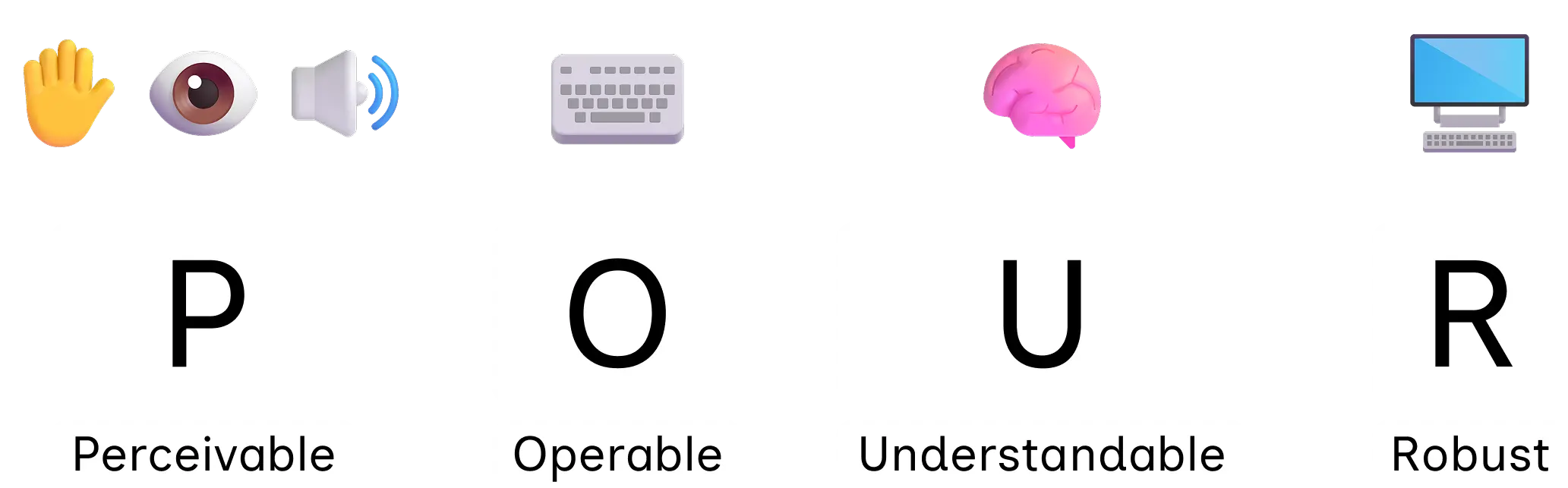
- Perceivable
- Operable
- Understandable
- Robust
Perceivable
- Alternative text for images
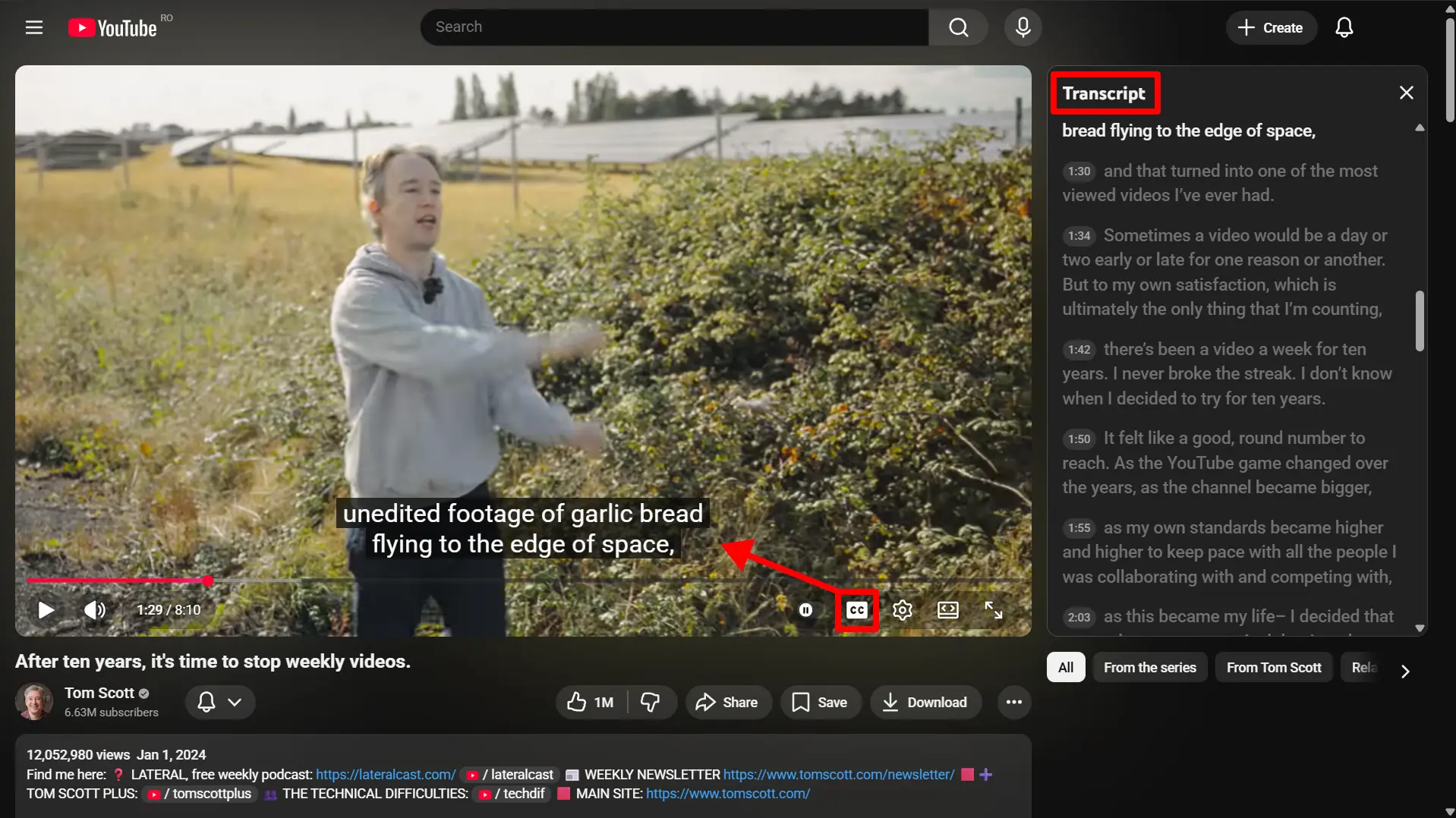
- Captions for videos
- Transcriptions for podcasts and videos
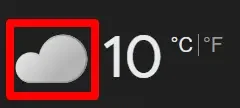
Example: Alternative text for the cloud image?
"Cloudy".
Operable
- Interactions without barriers when using a keyboard
- Enough time for interactions
- No flashes that could cause epileptic seizures
- Easy navigation in the page:
- Page title is present
- Headings are used to ...
- Search fields
- Focus de la tastatură vizibil
- Butoane destul de mari
POUR: Understandable
POUR: Robust
"The minimum requirements of the Web Content Accessibility Guidelines"?
Quick fixes...
Are they effective?
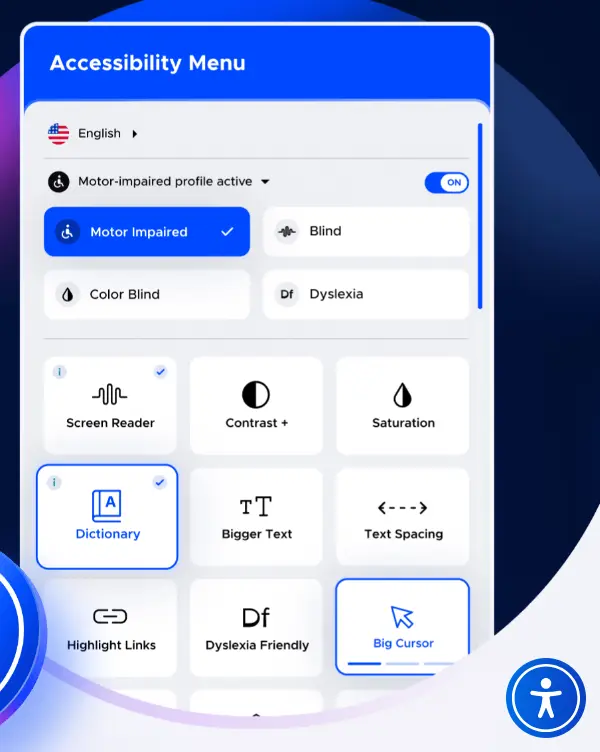
Some companies offer accessibility solutions called overlays.
They are easy to install on websites.
They usually look like a button that goes on top of the website's content.
The problem with overlays
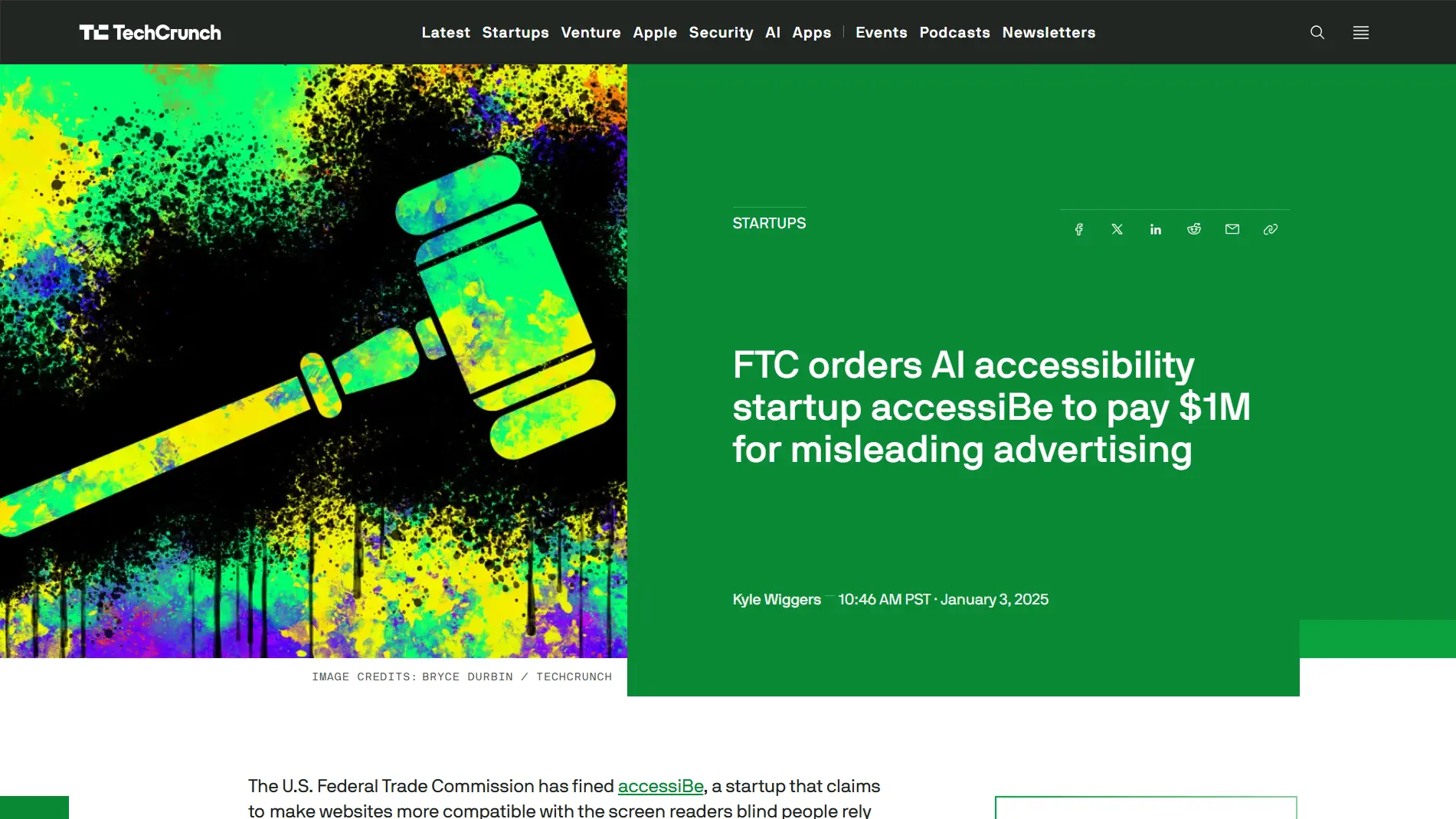
- They make promises they can't keep.
- They don't handle all the criteria required by legislation.
- They can't repair the structure or content of the web page, instead focusing mostly on visual improvements.
- They promote poor standardization and compatibility because each overlay product is different.
- Overlay functionalities can be hard to reach (e.g. unlabeled button, overlay button as one of the last elements in the page).
- They can create new barriers.
Details: Overlay Factsheet and Overlay Timeline.
A website with an overlay
doesn't necessarily mean an accessible website!
When accessibility is truly taken into consideration:
- it's planned and integrated into the workflow of designers, engineers, testers
- it can take months for an initial remediation (for large and complex websites)
- accessibility is always taken into account when new features are added
How to tell if a website is indeed accessible?
- It contains an Accessibility Statement.
- It's a breeze to use the website, no matter how you try to interact with it (using mouse, keyboard, assistive technology etc.).
Demo:
- Easy checks that can be applied to GOV.uk.
Resources
- European Accessibility Act (EAA)
- WCAG 2 at a Glance
- NVDA - Screen reader (Windows)
Questions and answers